Data entry automation between a CRM and a platform with no API
A terminal application that finds contracts in an estate agency's CRM and enters the same data into a second platform, one that offers no integration interface of any kind.
The problem
The agency kept its contracts in Properfy, the CRM the team works in every day. Those same contracts then had to be entered into Linkka, the platform used for the letting report. Neither system talks to the other.
The second entry was done by hand. Someone opened the contract on one side, copied the fields, opened the form on the other side and typed it all again. Repeated for every contract in every period, that is time spent on a task requiring no judgement, and where a transcription slip usually only surfaces much later.
Linkka publishes no API, so the clean route of wiring the two systems together behind the scenes was not available. What was available was the same interface a person uses.
What I built
A terminal application, delivered as a single executable, that covers the whole journey: it finds the contracts in the CRM within a date range, lets the user pick which ones to process, and fills in the destination platform by driving a browser the way a person would.
Driving the browser rather than forging requests to the server was a deliberate choice. It follows the same visible path an authorised user follows, it respects the form's own validation, and it does not depend on internal details that can change without notice.
How it works
Checks before starting
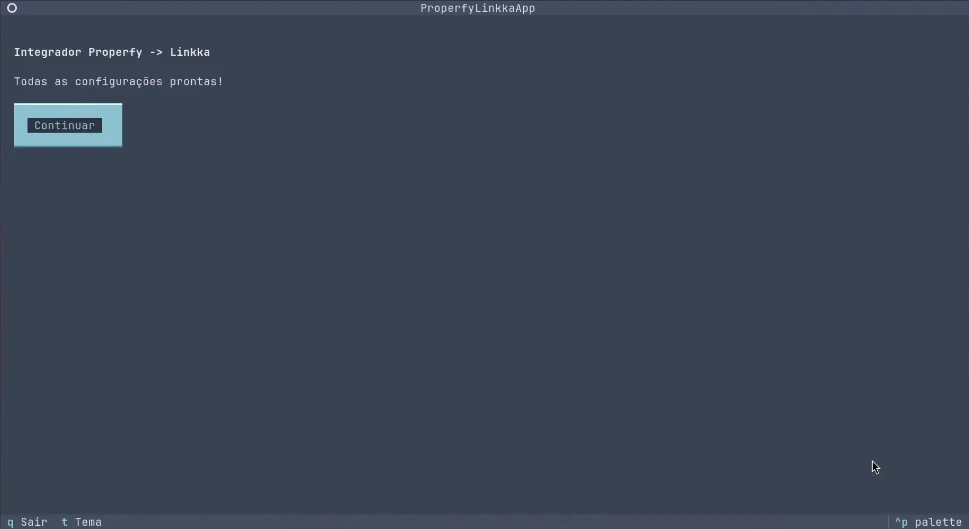
On launch the application confirms it has everything it needs: credentials for both systems and connection settings. If anything is missing it sends the user to the settings screen rather than failing halfway through a run.
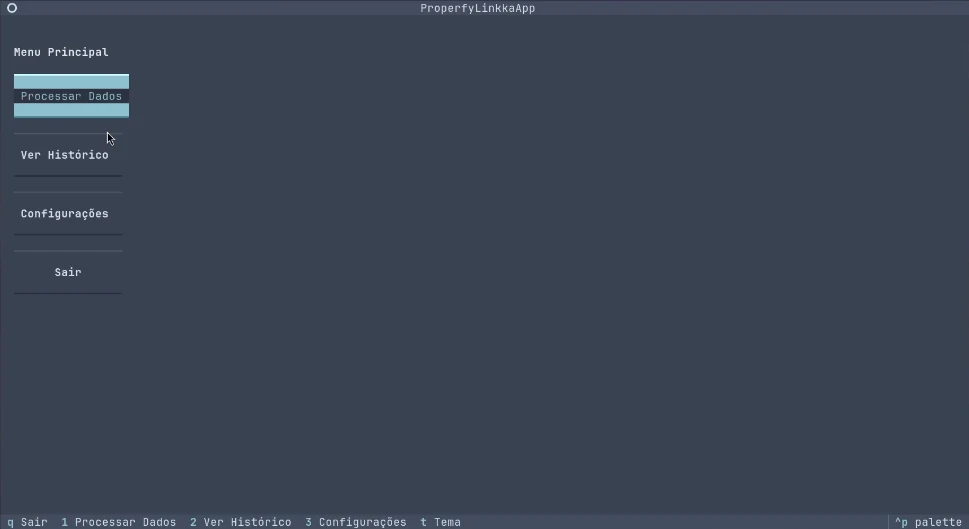
Main menu
Four routes and no hidden submenus: process data, view history, settings and quit. The bottom bar always shows the available keyboard shortcuts, including switching the colour theme.
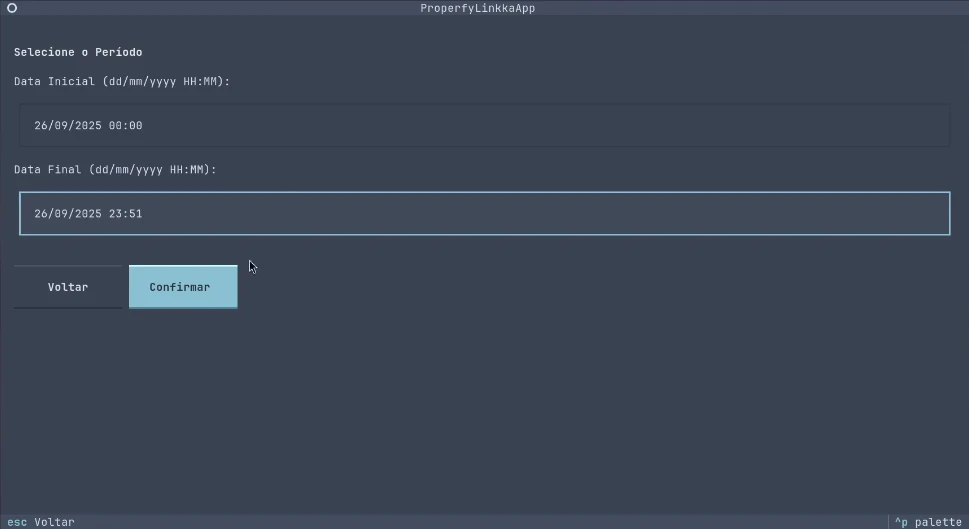
Choosing the period
The user gives a start and an end date, with times. This is what defines the batch of work, usually the previous day or the week just gone.
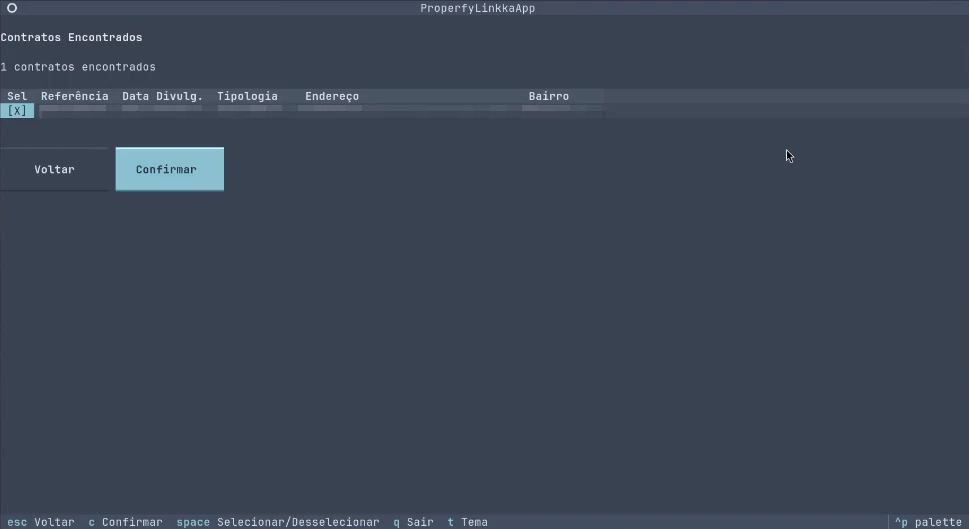
Contracts found
The application queries the CRM and lists the contracts for that period in a table showing reference, publication date, property type, address and neighbourhood. Nothing is processed without an explicit choice: every row has to be ticked.
Two processing modes
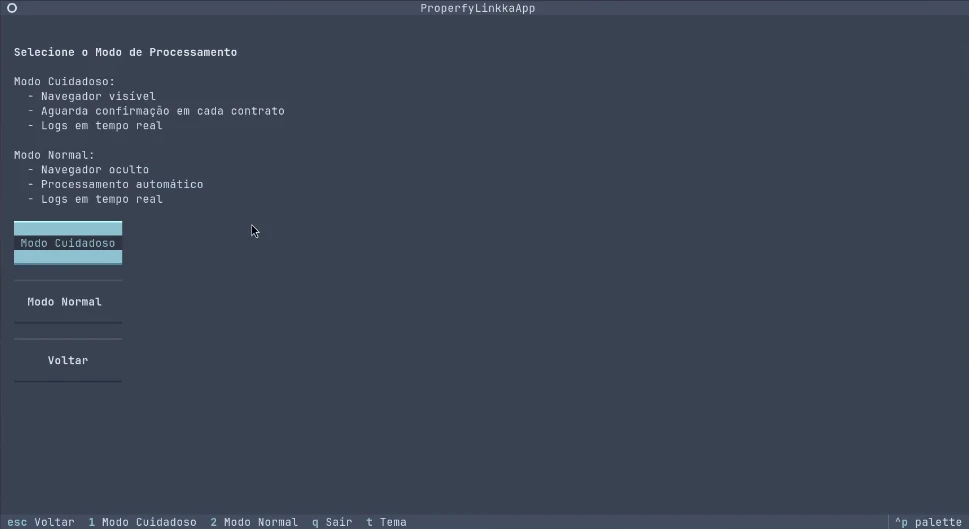
In careful mode the browser stays visible and the application pauses at each contract to wait for confirmation. It suits the first run of the day, unusual batches, or any time someone wants to watch what is being written.
In normal mode the browser runs hidden and the batch proceeds without interruption. The log appears in real time either way.
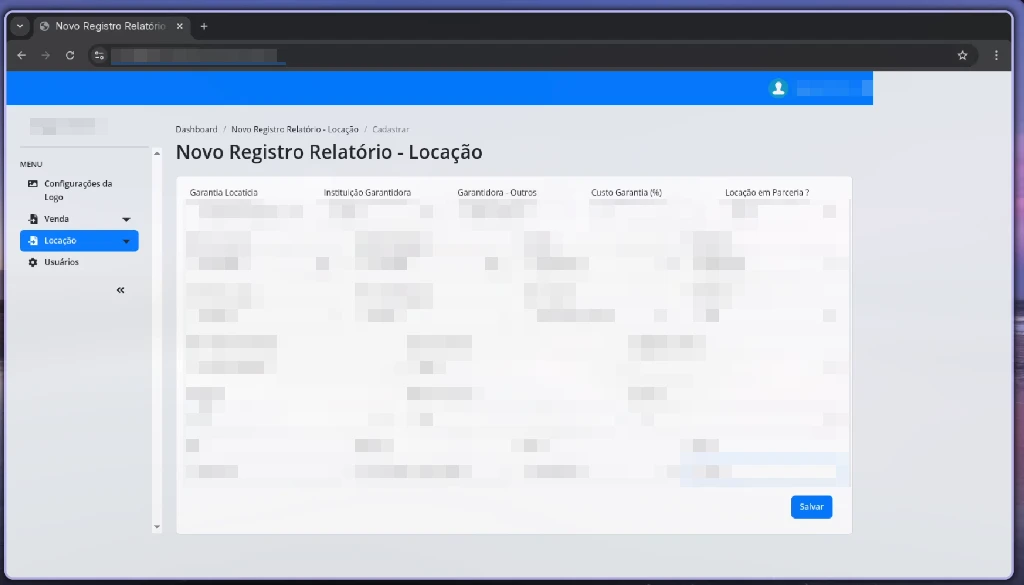
Filling in the form
The application opens the destination platform, signs in, navigates to the entry form and fills the fields from the CRM data. In careful mode it stops here for review before saving.
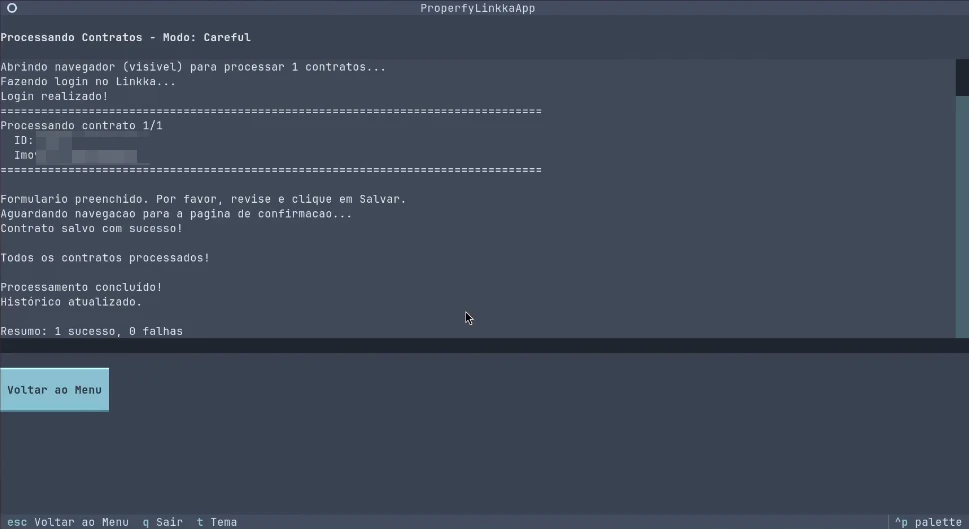
Batch summary
At the end, a full log of what happened and a count of successes and failures. If one contract fails the rest carry on, and the failure is named rather than lost among everything else.
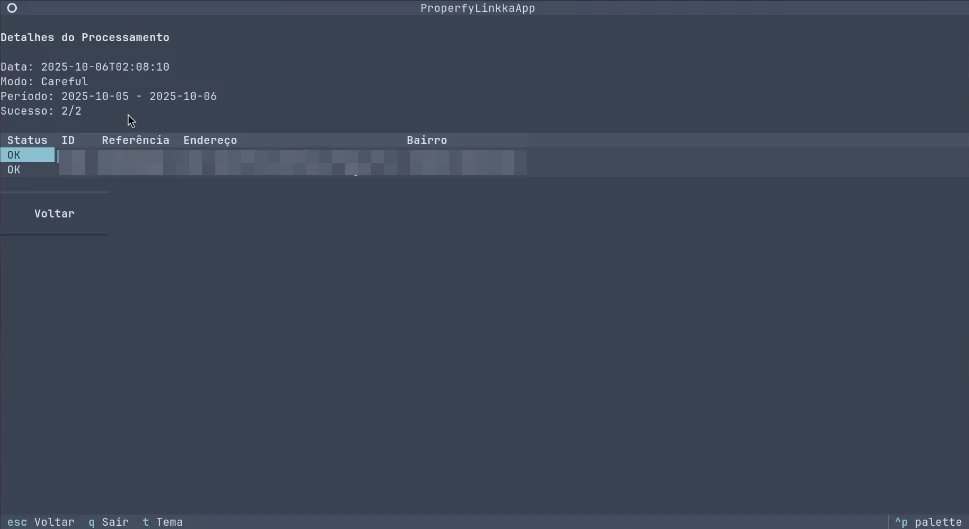
Searchable history
Every run is stored with its date, period, the mode used and the result for each contract. That is what answers the question which always comes up later: when did this record go in, by what route, and did it work?
Three decisions that mattered
Careful mode is the default. A tool that writes on someone's behalf has to let that person see what is being written, at least until there is enough confidence to let it run alone.
Everything is logged. Date, period, mode, contract and result. Without that trail any later discrepancy becomes an argument without facts, and the tool gets blamed by default.
Credentials live in settings, not in the code. The application went to a team who use it daily, on their own accounts, and who need to be able to change those credentials without calling me.
Outcome
What used to be manual searching and retyping, contract by contract, became picking a period and confirming. The team stopped spending time on transcription and gained a searchable record of everything that was entered.